
ColorOS 17 on OnePlus 15: 3 Major Changes to Check Before Updating

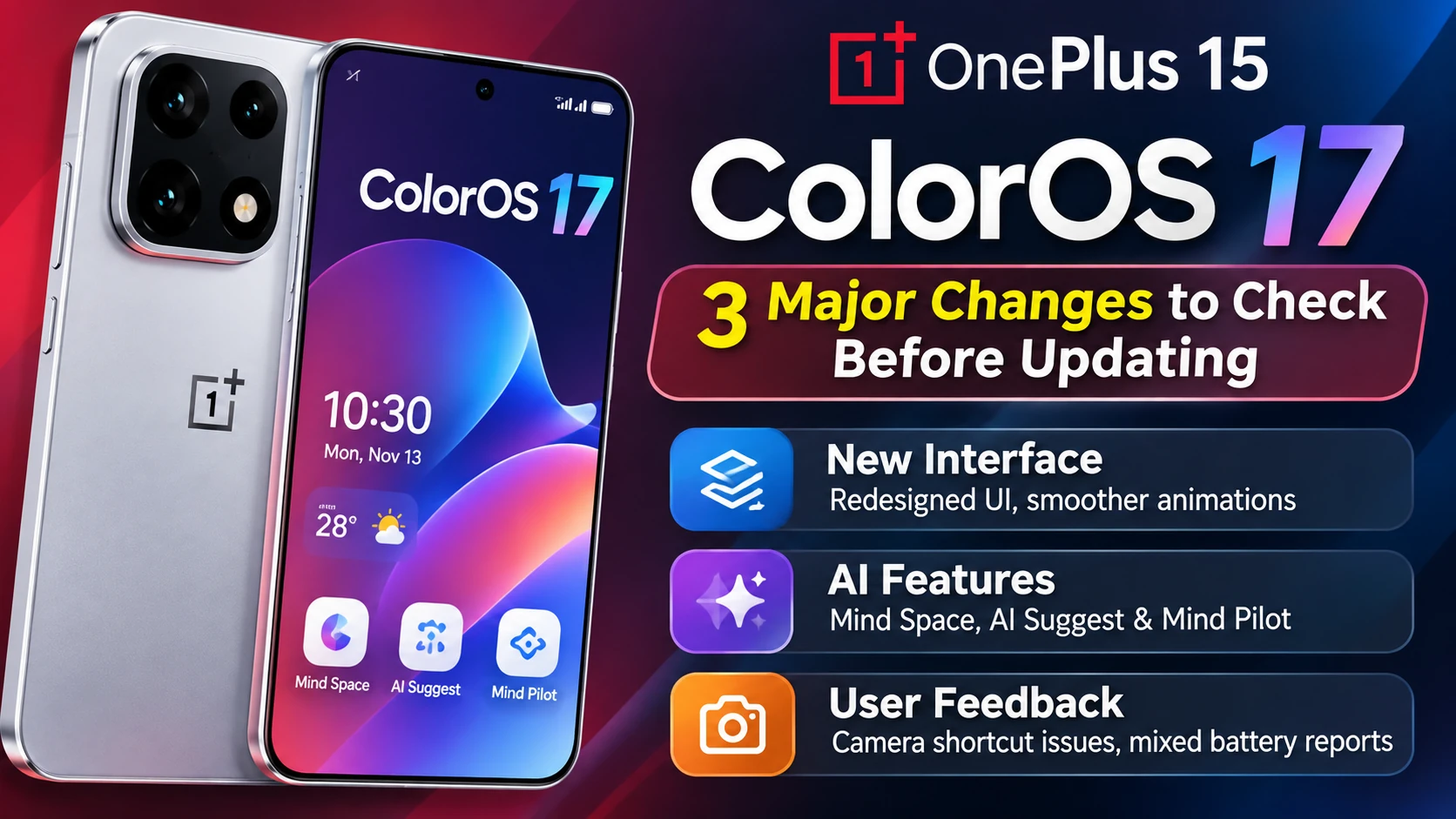
ColorOS 17 on OnePlus 15: 3 Major Changes to Check Before Updating
A major software update can change the everyday experience of a smartphone just as much as a new hardware feature. That is particularly relevant to the OnePlus 15, where ColorOS 17 introduces a different visual direction and expands the role of artificial intelligence.
The update is not simply about changing icons or adding animations. It affects how the lock screen, notifications, Quick Settings and background system processes behave. At the same time, some advertised AI functions may not be available on every regional build.
Here are three important areas to understand before deciding whether to install ColorOS 17 on your OnePlus 15.
Table of Contents
1. A Redesigned Interface Changes the Way OnePlus 15 Feels
The most immediately visible change in ColorOS 17 is its updated design language. The software uses more translucent surfaces, background blur, animated transitions and responsive visual effects throughout the interface.
The lock screen, Always-On Display and home screen are designed to feel more connected. The clock transitions between these screens, while notifications and interface elements use motion effects to make interactions feel more dynamic.
What has changed in the interface?
- Lock screen: Updated clock presentation and smoother unlock transitions.
- Quick Settings: A redesigned panel with refreshed visual effects.
- Notifications: New translucent notification cards and updated animations.
- Live Alerts: A refreshed appearance for supported system activities.
- System applications: Updated visual styling across selected built-in applications and settings screens.
- Wallpapers: New animated wallpaper effects and additional personalization options.
These changes may appeal to users who enjoy animated interfaces and visual customization. However, not everyone prefers a screen filled with transparency and movement. Depending on the wallpaper and background, translucent notification cards can also make text less comfortable to read.
What happens behind the visual changes?
ColorOS 17 introduces updated rendering and system scheduling technologies. The Luminous Rendering Engine handles interface rendering and visual effects, while the Laminar Flow Engine focuses on background scheduling and memory management.
OPPO's technical material mentions reductions of up to 30% in rendering load and 25% in rendering memory under selected scenarios. These are manufacturer-provided laboratory figures, not independent measurements of every OnePlus 15 device.
2. AI Features Are Expanding, but Availability Can Differ
Artificial intelligence is another important part of the ColorOS 17 experience. The update expands tools designed to help users organize information, work with saved content and interact with photos and files.
Mind Space
Mind Space is designed to collect supported information, organize saved content and generate summaries. It can help users keep useful material together instead of searching through multiple applications.
AI Suggest
AI Suggest is intended to provide contextual recommendations and information based on supported situations and user activity.
AI Mind Pilot
Mind Pilot introduces agent-style capabilities intended to help users search and organize photos or files through natural-language requests. The available functions may depend on the software version, region and rollout stage.
Why might some AI tools be missing?
A feature announced during a product presentation is not necessarily available on every phone immediately. Regional firmware, staged rollouts, supported languages and later software updates can all affect availability.
Some OnePlus 15 owners have reported missing Mind Pilot options or network errors when using Mind Space summaries. These are individual user reports and do not prove that the same problem affects every device.
OnePlus has also indicated that AI Photo Agent is still being optimized for a future update. Users should therefore avoid assuming that every AI feature shown in promotional material is already active on their particular device.
3. User Feedback Highlights Both Improvements and Possible Bugs
Early reactions to ColorOS 17 on the OnePlus 15 are mixed. Some users describe the phone as responsive, with smoother navigation and improved interaction feedback. Others find the animations excessive or prefer the simpler interface associated with earlier OxygenOS versions.
Camera shortcut complaints
One of the most actionable concerns involves the double-press power-button shortcut used to launch the camera. Several owners have reported that the shortcut stopped working after updating, even when the relevant setting appeared to be enabled.
This is particularly important for people who regularly open the camera quickly to capture unexpected moments. The available reports do not establish a universal bug or a confirmed fix for every regional firmware version.
Battery life is not producing a consistent verdict
Battery feedback is also divided. Some owners report a better experience, while others suspect increased battery consumption immediately after installation.
Short-term observations are not enough to establish a reliable battery comparison. Background optimization, app activity, network conditions, screen brightness and individual usage patterns can all affect battery results.
Other reported concerns
- Translucent notification cards can reduce readability in some situations.
- Some users dislike the elastic or bouncing animation style.
- Feature availability can vary between regional firmware builds.
- Some shortcuts or screen-off notification behaviours may not work as expected for individual users.
OnePlus 15 ColorOS 17 Regional Build Numbers
The official OnePlus stable-release announcement identifies different firmware packages for different regions.
| Region | Build Number |
|---|---|
| India | CPH2745_17.0.0.102(EX01) |
| North America | CPH2749_17.0.0.102(EX01) |
| Europe / Global | CPH2747_17.0.0.102(EX01) |
The rollout is distributed in batches. Therefore, not every eligible phone necessarily receives the update at the same time.
What Should You Check Before Installing ColorOS 17?
Before downloading a major system update, take a few minutes to prepare your device.
1. Confirm your regional firmware
Check your phone's model and current software version. Do not install a firmware package intended for another region.
2. Back up important information
Save important photos, documents, contacts and other personal information. A major update should not normally erase your data, but a backup is an important precaution.
3. Check your essential shortcuts
If you rely on the power-button camera shortcut, confirm that it works after the update. Also test your frequently used navigation and notification settings.
4. Review AI feature availability
Check whether Mind Space, Mind Pilot and other features you want are supported on your regional build. Do not assume that all advertised tools will be available immediately.
5. Wait if a critical function is not working
If fast camera access is essential to your daily use, consider waiting until OnePlus confirms a relevant fix for your software version.
6. Understand the risks of downgrading
Returning to an earlier software version is not always a simple process. OnePlus rollback instructions warn that downgrading erases device data, and rollback packages may not be available for every region.
Should You Update Your OnePlus 15 to ColorOS 17?
The decision depends on what you expect from your phone.
- Consider updating: If you enjoy visual customization, new animations and the expanded software toolkit.
- Consider waiting: If you depend on the power-button camera shortcut or want more clarity about early software reports.
- Check first: If your main interest is AI, confirm that the features you need are actually available on your regional build.
There is no single recommendation that fits every owner. The best approach is to check the update notes, verify regional compatibility and consider how much you rely on the features mentioned above.
Frequently Asked Questions
1. Is ColorOS 17 available for OnePlus 15?
OnePlus announced a stable rollout for the OnePlus 15, with regional builds for India, North America and Europe/Global. Availability is distributed in batches.
2. What are the main changes in ColorOS 17?
The main changes include a redesigned interface, updated animations, refreshed notifications and Quick Settings, new system effects and expanded AI tools.
3. Why is the camera shortcut not working after the update?
Some owners have reported problems with the double-press power-button camera shortcut. The reports do not establish a universal fault or a confirmed fix for all firmware versions.
4. Why is Mind Pilot missing on my OnePlus 15?
AI feature availability can depend on region, firmware and rollout stage. Some users have reported missing functions, but this does not prove a permanent regional restriction.
5. Does ColorOS 17 improve battery life?
There is no consistent user-reported result establishing a battery improvement. Experiences differ, and controlled comparisons are needed.
6. Can I return to the previous software version?
Rollback may be possible through official regional packages, but the process can erase all device data. Follow the official instructions for your exact model.
Conclusion
ColorOS 17 gives the OnePlus 15 a noticeably different software experience. Its redesigned interface, new animations and broader AI toolkit bring useful possibilities, but early user feedback also highlights questions about shortcut reliability, notification readability and battery behaviour.
The most sensible decision is to look beyond the feature list. Check your regional firmware, confirm that the functions you rely on work correctly and back up your information before installing a major update.
For users who enjoy the new visual direction, ColorOS 17 may be an appealing upgrade. Those who depend on specific shortcuts or prefer a more predictable experience may want to wait for further software updates.
Read more technology updates at Result For India: https://www.resultforindia.com/

Result For India News Desk
Verified updates on education, exam dates, government schemes, and public notifications.